
Getting Started
Let's get started! This page will guide you through addon installation, enabling it, and setting it up in your scene.
Getting the Addon
- Go to the Asset Store Tab on the top of the editor
- Search "CM.gd"
- Install the CM.gd Addon
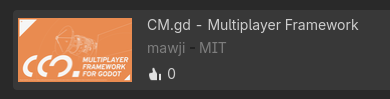
Additionally, the link to the Godot Asset Store is here.
Enabling the Addon
- Go to Project > Project Settings

- Go to Plugins and Enable cm.gd Addon

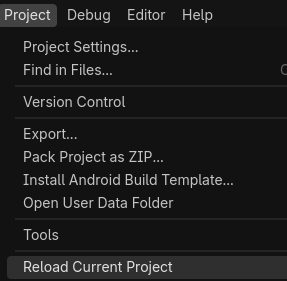
- At this point, I recommend you restarting the editor by going to Project > Reload Current Project. (Mainly because Godot bugs a little bit on newly installed addons)
Adding CMSession
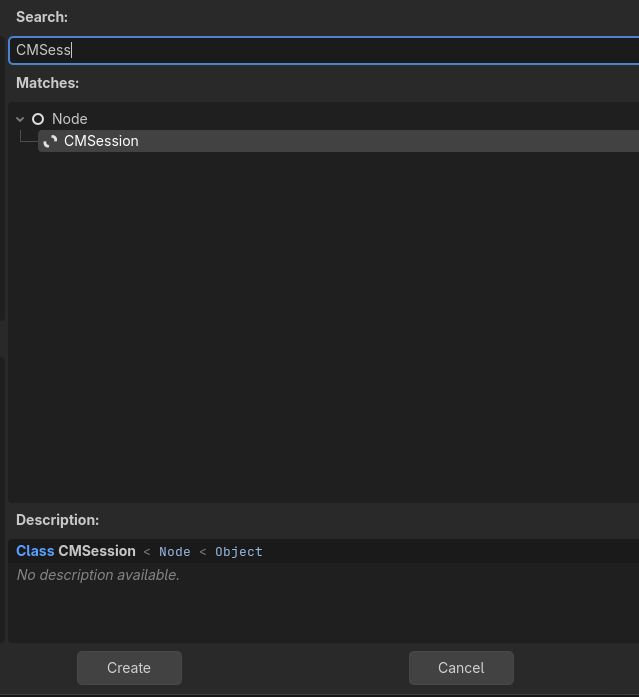
- Add
CMSessionto your scene
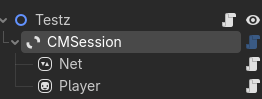
- Make sure
CMSessionis a child of the root node. The parent of theCMSessionwill be the root for all the multiplayer stuff.
Configuring Transport
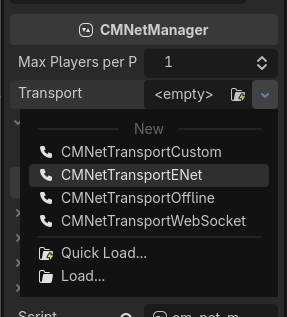
- Select the node
Netin CMSession - In the inspector dock. Choose the transport you'd like to use. (In this case, I'd recommend going with ENet first)
INFO
If the protocol you'd like to use is not listed here. You might want to use Custom Transport.
Continue to the next page to configure player spawning.