
Circular Pong
This is a "basic" Pong demo, it demonstrates flexible player joining capabilities of the framework.
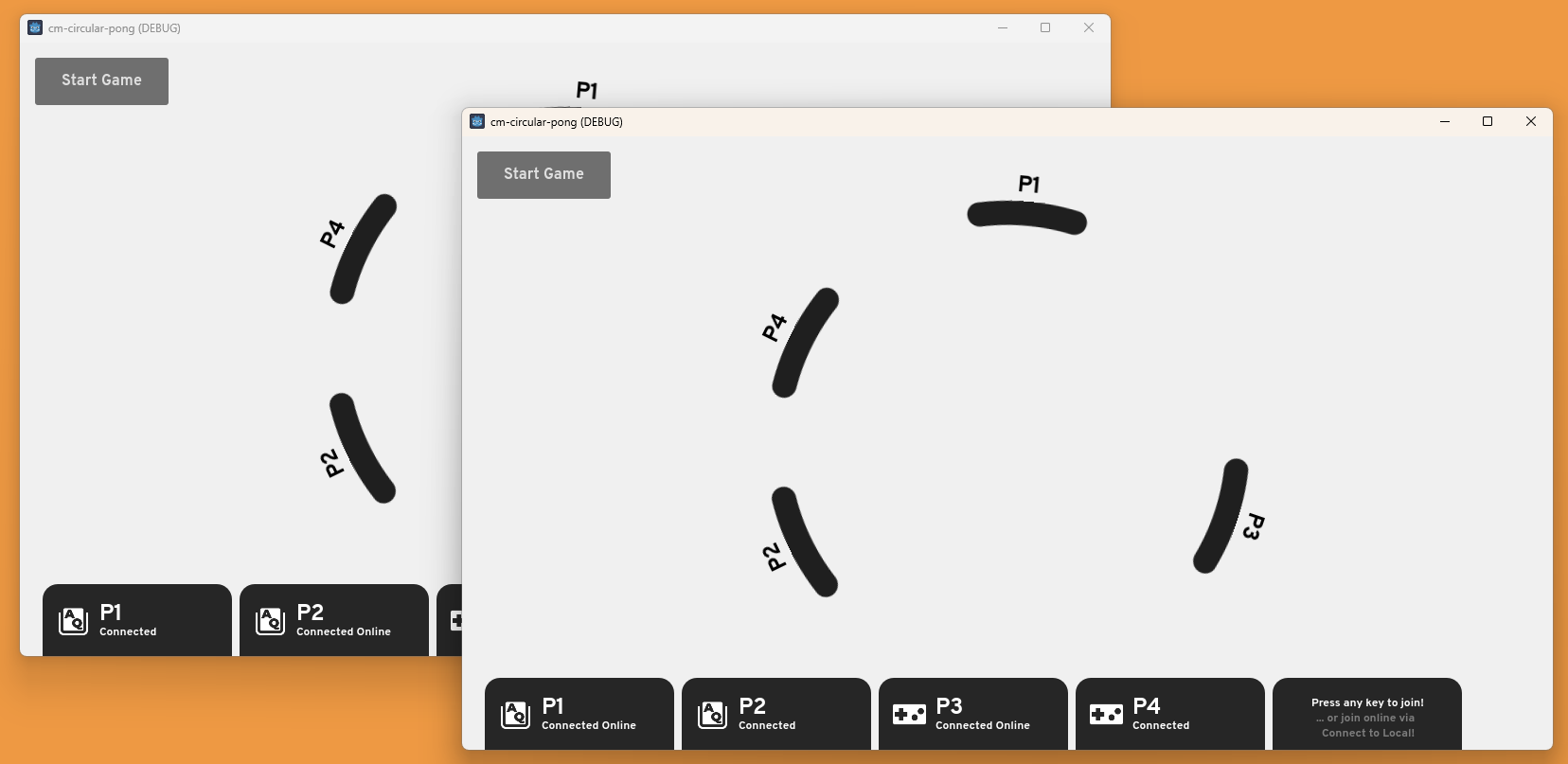
Repository can be found here. Clone the repo and give it a try! (or you can search up CM.gd in the Asset Store Templates to try it from the Godot Editor)
How to play (two clients)
- Enable Multiple Run Instances, set to 2 clients
- Run the project
- On the first client, Press the Start button
- On the first client, Press any key to join as a player
- On the second client, Press the Connect to Local button
- On the second client, Press any key to join as a player
- Press Start Game button on the top left to start the game
That's it, now you have 2 players visible on two clients! You can also bring in controllers, connect your controller and press any button to join as a controller player.